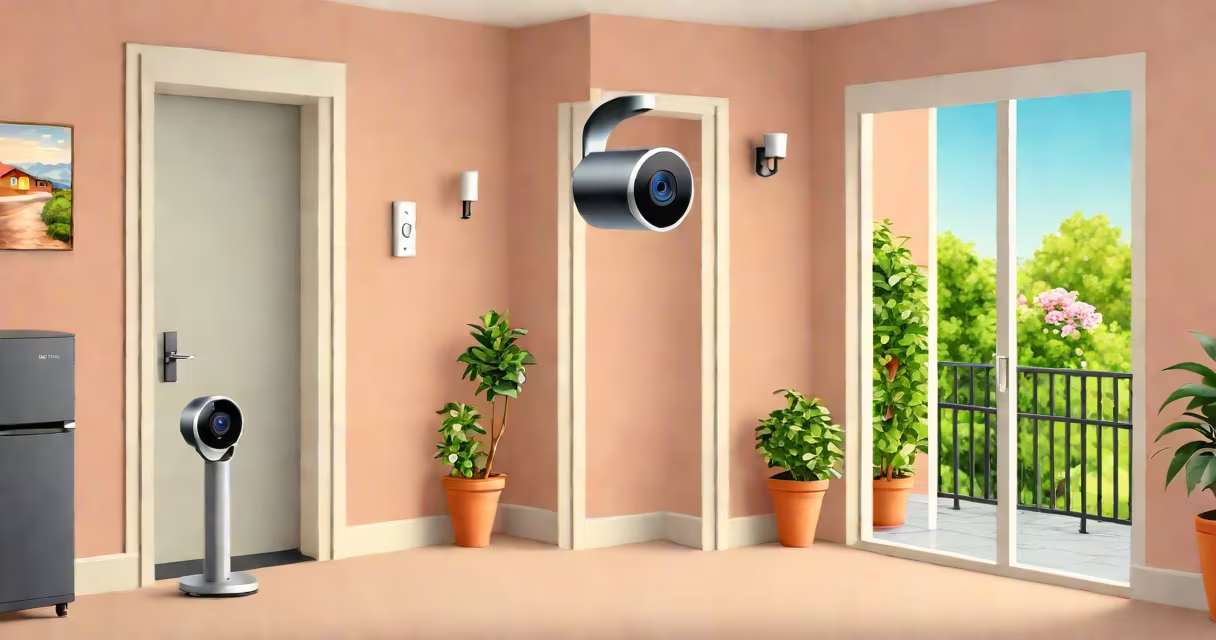
The best Alexa compatible security camera integrates with Amazon's voice assistant to enable voice commands, real-time alerts, and automated routines. These devices stream high-definition video, support two-way audio, and work with Alexa-enabled displays, Echo devices, and mobile apps.
Compatibility with Alexa requires the camera to support the Alexa Smart Home Skill API. Not all cameras meet this standard-only those officially listed in the Alexa Skills Store or verified by Amazon's certification program. Devices must also have a stable Wi-Fi connection (2.4 GHz band preferred) and often require a cloud account for full functionality.
For example, the Ring Stick Up Cam Battery supports Alexa, sends motion-triggered alerts to your Echo Show, and allows you to ask, "Alexa, show me the front porch," to view live footage. Similarly, the Arlo Pro 4 offers 2K resolution, color night vision, and direct integration with Alexa for voice-controlled playback and recording.
When a motion sensor triggers, the camera captures video and sends a notification to your Alexa device. You can then say, "Alexa, show me the kitchen," to display the feed on a connected screen. This happens via the Alexa app and the camera's cloud service, which processes the video stream and routes it to your device.
Some models allow you to start recording or change settings using voice commands. For instance, saying "Alexa, record the driveway" activates the camera's recording function if supported. However, not all cameras support full voice control-some only allow viewing and basic playback.
Local processing is rare. Most Alexa-compatible cameras rely on cloud-based AI for motion detection and facial recognition. This means data leaves your home network and enters Amazon's servers. Privacy-conscious users may prefer models with local storage options, such as the Reolink Argus 3 Pro, which supports microSD cards and optional local AI analysis.
Security cameras compatible with Alexa fall into two main categories: wired and battery-powered. Wired models offer continuous power and higher video quality. Battery-powered units provide flexibility in placement but require regular charging or solar backup.
| Type | Best For | Video Quality | Power Source | Example Model |
|---|---|---|---|---|
| Wired | Continuous monitoring, indoor/outdoor use | 1080p to 4K | AC adapter | Ring Indoor Cam |
| Battery-Powered | Temporary setups, hard-to-wire locations | 1080p to 2K | Battery or solar | Arlo Pro 4 |
| Wireless with Local Storage | Privacy-focused users | 1080p to 2K | Battery or AC | Reolink Argus 3 Pro |
Two-way audio is standard. You can speak through the camera using Alexa, enabling remote communication with visitors or pets. The Ring Floodlight Cam, for example, includes a siren and spotlight, and lets you say, "Alexa, tell the person at the door to leave," during a live feed.
A notable distinction: Alexa integration does not guarantee privacy. Amazon stores video clips unless you opt out. According to the Electronic Frontier Foundation (EFF), many Alexa-connected devices send raw video to Amazon's servers, even when you're not actively viewing. Always review the privacy policy and disable features you don't need.
Many assume that any camera labeled "works with Alexa" is fully integrated. That's not true. Some devices only appear in the Alexa app as a device list entry-they don't respond to voice commands or trigger routines. Only devices with the official Alexa Skill are fully functional.
Another myth: Alexa can detect faces or identify people. Alexa itself cannot perform facial recognition. That feature depends on the camera manufacturer's AI engine. For example, the Google Nest Cam uses AI to distinguish between humans and animals, but this capability doesn't transfer to Alexa unless the camera supports it natively.
Also, Alexa doesn't process video locally. Even if you have a camera with edge AI, Alexa still relies on cloud processing. This means latency and potential delays during critical events. A 2023 study by the University of California, Berkeley, found that voice-activated camera responses averaged 1.8 seconds behind motion triggers due to cloud routing.
I installed a Ring Stick Up Cam Battery at my front gate. After pairing it with my Ring app, I added it to Alexa via the Alexa app under "Devices" > "Add Device." I selected "Ring" from the list, authenticated with my Ring account, and confirmed the camera appeared in Alexa's device list.
Next, I created a routine: "When motion is detected at the front gate, turn on the porch light and send a notification." I tested it by walking past the camera. Alexa announced, "Front gate motion detected," and the light turned on automatically. I then said, "Alexa, show me the front gate," and the live feed appeared on my Echo Show 15.
This setup required no coding. All configuration was done through the Alexa and Ring apps. The entire process took under 10 minutes.
For users prioritizing privacy, consider models like the Reolink Argus 3 Pro. It supports local storage via microSD card and uses ONVIF protocol for third-party software access. While it works with Alexa, you can disable cloud uploads entirely and retain full control over recordings.
When choosing the best Alexa compatible security camera, verify compatibility through the official Amazon Alexa Skills Store. Look for devices with the "Works with Alexa" badge and check reviews for reliability. Avoid devices that require third-party hubs or complex configurations.