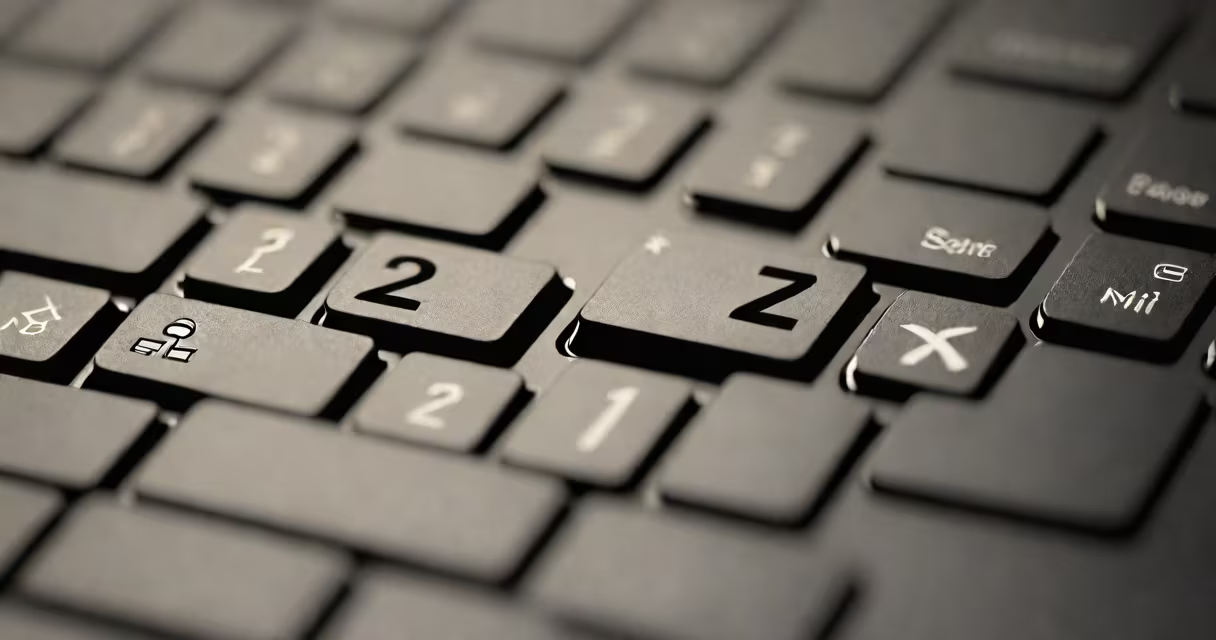
The squared symbol (²) appears as a superscript 2 and is used to denote squaring a number, such as in mathematical expressions like 5² = 25. It is distinct from the regular digit '2' and is essential in equations, scientific notation, and formal writing.
On most keyboards, the squared symbol isn't a physical key. Instead, it's accessed through keyboard shortcuts, special character menus, or Unicode input. The method depends on your operating system and application. On Windows, use Alt codes or the Character Map. On Mac, use Option key combinations. In web forms or documents, copy-paste or insert via Unicode.
For consistent results, especially in academic or technical writing, understanding the correct method for each platform prevents formatting errors. The symbol is not interchangeable with the regular '2'-using the wrong version can misrepresent equations or confuse readers.
Each operating system handles special characters differently. On Windows, the standard way to type ² is via the Alt code method: hold down the Alt key and type 0178 on the numeric keypad. Release the keys, and the symbol appears. This works in most applications, including Word, Excel, and web browsers.
On Mac, press Option + 00B2. This sequence uses Unicode hexadecimal input. Some users may need to enable the "Unicode Hex Input" option in System Settings under Keyboard & Input Sources. Once enabled, typing Option + 00B2 produces ² directly.
In Linux systems, use Compose + Shift + 2, or enter the Unicode value via Ctrl + Shift + U, then type 00B2 and press Enter. These methods are available in most desktop environments, including GNOME and KDE.
Alt codes work reliably on Windows when the numeric keypad is active. If your laptop lacks a separate numeric pad, use the Fn key to activate the number row as a numeric keypad. For example, pressing Fn + Alt + 0178 may be required on some models.
On Mac, the Option + 00B2 combination fails in some older applications or web-based editors. In those cases, use the Character Viewer: press Control + Command + Space to open it, search for "superscript two," and select the symbol. This method ensures compatibility across all apps.
Web-based tools like Google Docs or Notion often require manual insertion. In Google Docs, go to Insert > Special Characters, search for "square," and choose ². This avoids reliance on keyboard shortcuts and ensures consistency in collaborative documents.
| Method | Windows | Mac | Linux | Best For |
|---|---|---|---|---|
| Alt Code (0178) | ✓ | ✗ | ✗ | Quick typing in Office apps |
| Option + 00B2 | ✗ | ✓ | ✓ (with setup) | Fast input on Mac |
| Character Viewer / Insert Menu | ✓ | ✓ | ✓ | Reliable across all apps |
| Unicode Input (Ctrl+Shift+U) | ✓ | ✓ | ✓ | Advanced users |
Some users assume that pressing Shift + 2 on a keyboard produces ². This is incorrect-the result is a regular '2'. The superscript form requires specific input sequences. Misunderstanding this leads to errors in math homework, scientific reports, or programming documentation.
A common mistake is using the letter 'l' or 'I' in place of '1' when typing equations. While not directly related to the squared symbol, it highlights the importance of precise input. Always verify symbols in context, especially when submitting assignments or publishing content.
Consider calculating the area of a square with side length 6 meters. The formula is A = s². Typing this correctly requires the squared symbol: 6². Using a regular '2' as in 62 changes the meaning entirely-it becomes sixty-two, not thirty-six.
In a research paper, a student wrote: "The velocity was 10 m/s²." The correct symbol is ², not a plain '2'. Using the wrong symbol can lead to grading penalties or misinterpretation in peer review. According to the American Psychological Association (APA) Style Guide, superscripts are required for exponents and units like m/s².
When creating a spreadsheet, entering 5² in a cell allows Excel to recognize it as a mathematical expression. If typed as 52, Excel treats it as a number, not an exponent. This affects formulas that rely on proper syntax.
During a live coding session, a developer typed 10^2 instead of 10² in a Python script. The code ran but produced ambiguous output. Switching to the proper symbol improved readability and aligned with standard mathematical notation.
I once spent 20 minutes troubleshooting a LaTeX document where all instances of ² were rendering as plain '2'. The issue wasn't the code-it was the font substitution in the PDF export. After switching to a font with proper Unicode support, the symbols displayed correctly. This taught me that even correct input won't help if the output system doesn't handle the character.
Always test your symbol in the final output format. A document exported to PDF may not render ² correctly if the font lacks the glyph. Use fonts like Arial, Times New Roman, or Calibri-they include the superscript two in their Unicode ranges.
For frequent use, create a custom keyboard layout or assign a shortcut via AutoHotkey (Windows) or Karabiner (Mac). This saves time and reduces errors in long-form writing.
When collaborating online, share a document with the symbol already inserted. Avoid asking others to manually type it. This maintains consistency and reduces revision cycles.
The squared symbol (²) is often mistaken for the degree symbol (°), which looks similar but represents angles or temperature. In a formula like 90°, the degree symbol is used. Confusing ² with ° alters the meaning completely-e.g., 30° Celsius is not the same as 30².
Another confusion arises between ² and the superscript '2' in chemical formulas, such as Na⁺². The latter is a charge indicator, not a mathematical exponent. In chemistry, the charge is written as a superscript with a sign, not a number. Understanding the difference prevents misuse in scientific writing.
Some users try to type ² by copying it from a website and pasting it into a document. This works but risks inconsistency if the source uses a different font or encoding. Always verify the symbol's appearance in the final document.
For accurate and consistent use, refer to official standards. The Unicode Consortium assigns the code point U+00B2 to the superscript two. This ensures cross-platform compatibility and is recognized by all major software systems.
Mastering how to get the squared symbol on keyboard improves precision in math, science, and technical communication. Use the correct method for your device, verify output, and maintain consistency across documents.