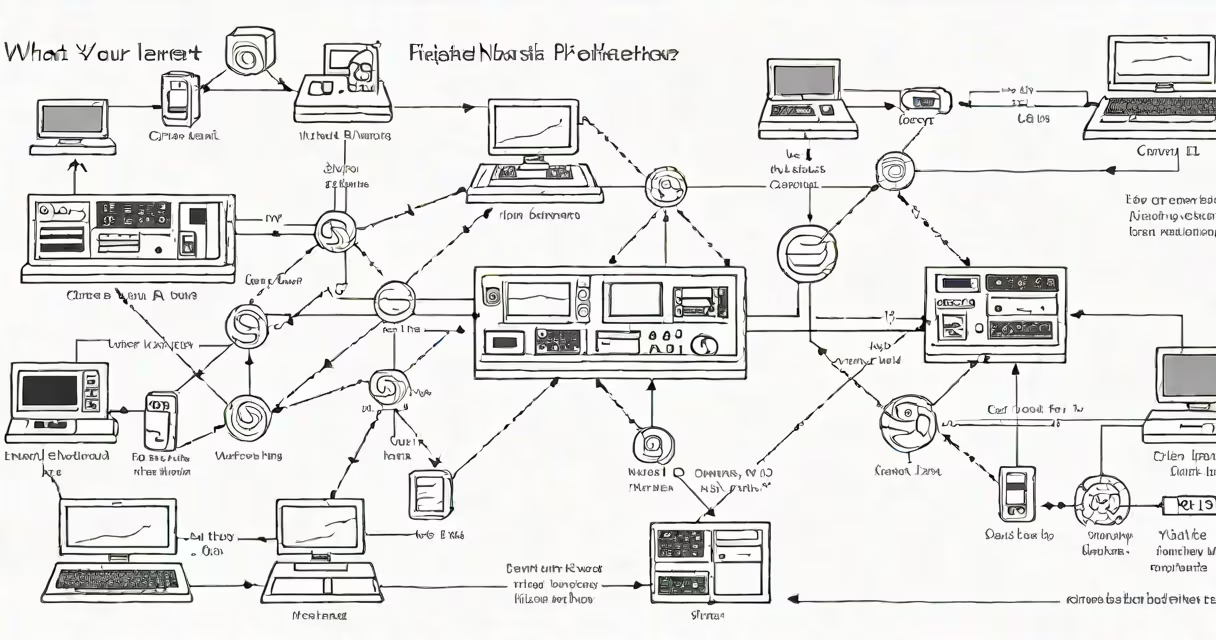
Your IP address is a unique identifier assigned to your device when it connects to a network. It enables communication between devices online, acting like a digital postal address for data packets.
Every device on the internet-your phone, laptop, or smart TV-has an IP address. This number allows data to route correctly from sender to receiver. Without it, digital communication would fail.
When you access a website, your device sends a request using its IP address. The server responds by sending data back to that same address. This exchange happens in milliseconds across global networks.
IP addresses come in two formats: IPv4 and IPv6. IPv4 uses four sets of numbers separated by dots, such as 192.168.1.10. IPv6 uses hexadecimal digits and colons, like 2001:0db8:85a3::8a2e:0370:7334. IPv6 was created to solve the exhaustion of IPv4 addresses.
Each packet of data sent over the internet includes both the source and destination IP. Routers use this information to forward traffic along the most efficient path. A single web page load may involve dozens of IP-based hops across continents.
There are two main categories: public and private. Your public IP is visible to the internet and assigned by your ISP. It's used to route traffic to your home network. Your private IP is assigned internally by your router and stays hidden from external networks.
| Type | Scope | Example | Use Case |
|---|---|---|---|
| Public IP | Global internet | 203.0.113.5 | Receiving emails, visiting websites |
| Private IP | Local network only | 192.168.1.10 | Connecting devices within a home or office |
Private IPs follow specific ranges reserved for internal use: 10.0.0.0/8, 172.16.0.0/12, and 192.168.0.0/16. These are not routable on the public internet, which prevents conflicts and improves security.
Most homes have a single public IP, shared among multiple devices via NAT (Network Address Translation). Your router assigns each device a private IP and maps incoming traffic to the correct internal device based on port numbers.
IP addresses are essential for every online interaction. When you stream video, play multiplayer games, or log into accounts, your IP ensures accurate delivery of data.
For businesses, static public IPs are often required for hosting servers, running remote desktop connections, or setting up secure VPNs. Changing IPs change periodically and are common in residential plans.
A real-world example: a small business uses a static public IP to host a customer-facing website. Without it, visitors couldn't reach the site consistently. The router forwards traffic from the public IP to the internal server using its private IP (e.g., 192.168.1.100).
Many people think their IP address reveals their physical location. While geolocation services can estimate a region based on IP data, accuracy varies widely. An IP in New York might only narrow down to a city block, not a specific address.
Some users confuse IP addresses with MAC addresses. A MAC address is a hardware identifier burned into a network interface card. It doesn't change and isn't used for routing on the internet. Only IP addresses handle network layer communication.
Knowing your public IP helps diagnose connectivity issues. If a service won't connect, confirming your IP hasn't changed unexpectedly can rule out configuration errors.
However, exposing your public IP increases risk. Malicious actors can use it to track behavior, launch DDoS attacks, or probe for vulnerabilities. A friend once had his home network targeted after sharing his IP in a forum post. He discovered the attack through unusual bandwidth spikes.
Using a virtual private network (VPN) masks your real IP by routing traffic through encrypted servers. This hides your location and protects against surveillance. According to the Electronic Frontier Foundation, using a trusted VPN reduces exposure to tracking and data harvesting.
You can find your public IP by visiting a site like whatismyip.com or using command-line tools. On Windows, run curl ifconfig.me in Command Prompt. On macOS or Linux, use curl https://api.ipify.org.
To see your private IP, check your device's network settings. On a Mac, go to System Settings > Network > Wi-Fi. On Android, go to Settings > Network > Wi-Fi details. The IP appears under "IP Address" or "IPv4 Address."
For troubleshooting, compare your local IP with the router's gateway (usually 192.168.1.1). If they don't match, your device may not be properly connected.
Understanding what your IP is helps you manage network performance, improve privacy, and respond quickly to technical problems. diagnosing a slow connection, knowing your IP is foundational.
Every device on a network has a unique IP address. It's not just a number-it's the foundation of digital communication. Knowing how it works, what it means, and how to check it empowers you to take control of your online experience.